Home routers: questions to ask first
Map where your connection becomes unreliable and how your home is arranged.
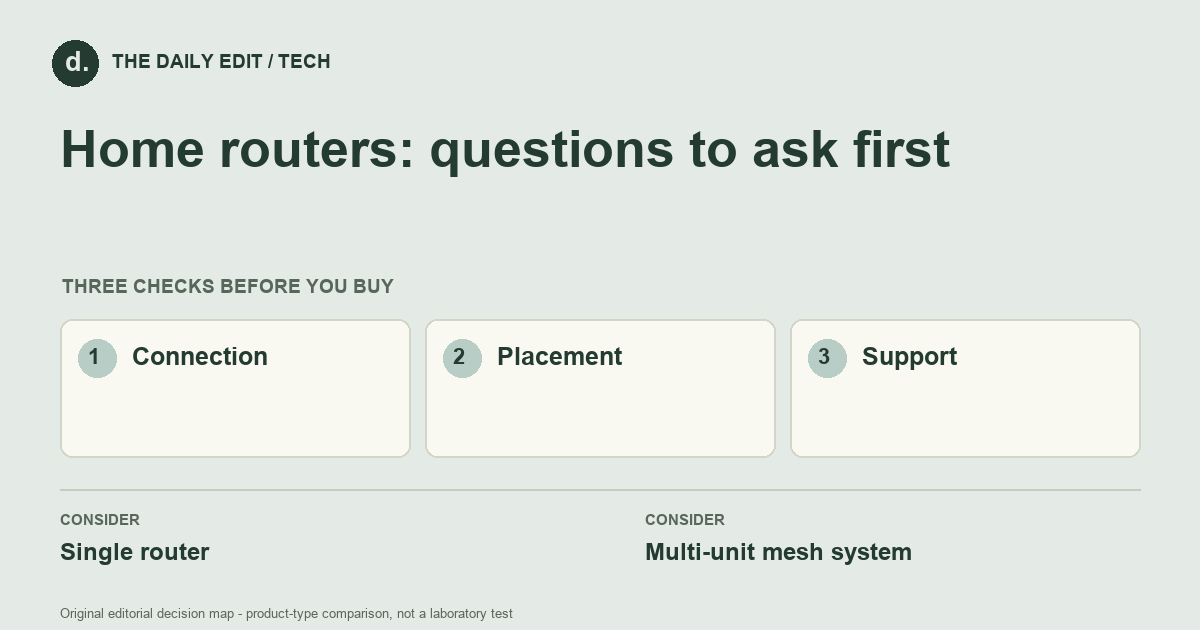
What to look for before you buy
Check service-provider compatibility, coverage guidance, update support, and setup requirements.
1. Connection
Check compatibility with your service-provider equipment and whether you need router or access-point mode.
2. Placement
Map solid walls, floors, and possible wired connections rather than judging only floor area.
3. Support
Review firmware-update arrangements and access to useful configuration controls.
Compare the main options
Compact flat versus rooms across floors
A well-placed single router may cover a compact flat. Multiple floors and substantial obstructions may require a different layout, but nodes still need a workable connection to the system. Identify the weak location and the existing bottleneck before choosing the number of units.
| Approach | Advantages | Trade-offs | Best suited to |
|---|---|---|---|
| Single router | Keeps equipment and setup relatively simple. | Placement may not reach every part of a larger or awkward home. | Homes with a useful central network point. |
| Multi-unit mesh system | Offers flexible coverage points across a home. | Needs careful node placement and extra equipment. | Layouts where one location leaves weak areas. |
Comparison of product types, rather than tested model rankings. On small screens, scroll the table horizontally.
Where to spend — and where to simplify
Check placement and service compatibility before buying more network hardware. A suitable cable route or better router position may solve a coverage problem without a large kit. If extra units are justified, include power points, backhaul options, and update support in the ownership plan rather than comparing only advertised wireless speed.
Frequently asked questions
Does mesh fix a slow internet service?
It can improve local coverage but cannot exceed the service connection or remove every network bottleneck.
Should a node go in the dead zone?
It needs a usable connection to the rest of the system. Follow the system's placement guidance rather than putting it where no signal reaches.
When is upgrading the router unlikely to help?
When the limiting factor is the internet service, a distant client connection, or a poorly placed node rather than the capability of the router itself.
Cover photograph: verma harshil · Pexels License. Photo details. Illustrative photograph; not a tested product recommendation.
Sources and what they support
References checked 17 October 2026. Model-specific instructions remain specific to that model; a source link is not a product endorsement.
- TP-Link: WPA3 explainedManufacturer documentation
Router manufacturer explanation of WPA3 and its compatibility list; feature support varies by router model.
AI-assisted editorial analysis; no hands-on product testing has been conducted for these guides. Read our editorial approach. Verify current specifications, care instructions, compatibility, and return terms for the exact item before ordering.


