Desk microphones for clearer calls
Identify whether you need speech for meetings, recordings, or both.
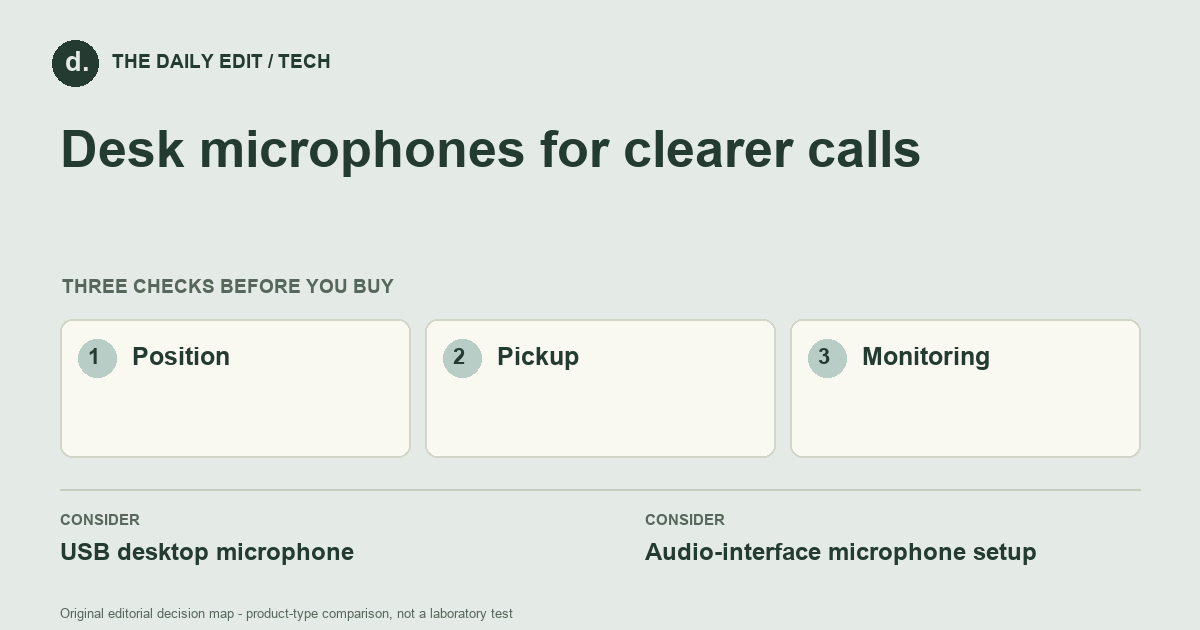
What to look for before you buy
Compare connection type, supported software, mounting, and monitoring options.
1. Position
Check whether you can place the microphone close enough without blocking the screen or keyboard.
2. Pickup
Choose a pattern and orientation suited to where sound comes from in your room.
3. Monitoring
Consider mute access, headphone monitoring, and whether controls need software.
Compare the main options
Routine calls versus regular recording
For calls, a straightforward USB setup may cover the job. Regular recording can justify more control if you will use it. In either case, test keyboard noise, room reflections, and your speaking distance before paying for a specification that does not address those conditions.
| Approach | Advantages | Trade-offs | Best suited to |
|---|---|---|---|
| USB desktop microphone | Connects directly with a relatively simple recording setup. | Can pick up keyboard and desk noise if poorly positioned. | Calls and basic voice recording. |
| Audio-interface microphone setup | Offers more routing and equipment flexibility. | Requires compatible extra hardware and more configuration. | People building a more involved recording workflow. |
Comparison of product types, rather than tested model rankings. On small screens, scroll the table horizontally.
Where to spend — and where to simplify
Budget for the mounting and monitoring arrangement, not only the microphone. A reasonably priced mic positioned well can be more useful than a costly one left far from the speaker. Include an audio interface only when the chosen connection and workflow need it, rather than buying a more complicated chain by default.
Frequently asked questions
Will a better microphone remove echo?
No. Room surfaces and microphone distance still matter; closer suitable placement can help reduce room pickup.
Do I need a boom arm?
Only if it improves placement and fits your desk. A stable small stand may work in a quiet, uncluttered setup.
What inexpensive change should I try before replacing a microphone?
A more suitable position and a quieter or less reflective setup, within the microphone's intended use, can reveal whether equipment is really the limiting factor.
Cover photograph: george milton · Pexels License. Photo details. Illustrative photograph; not a tested product recommendation.
Sources and what they support
References checked 17 October 2026. Model-specific instructions remain specific to that model; a source link is not a product endorsement.
- Shure: microphone directionality and polar patternsManufacturer documentation
Manufacturer acoustic explanation of pickup patterns, not a ranking of USB microphones.
AI-assisted editorial analysis; no hands-on product testing has been conducted for these guides. Read our editorial approach. Verify current specifications, care instructions, compatibility, and return terms for the exact item before ordering.


