Organizing your charging station
Count the devices that charge together and their connection types.
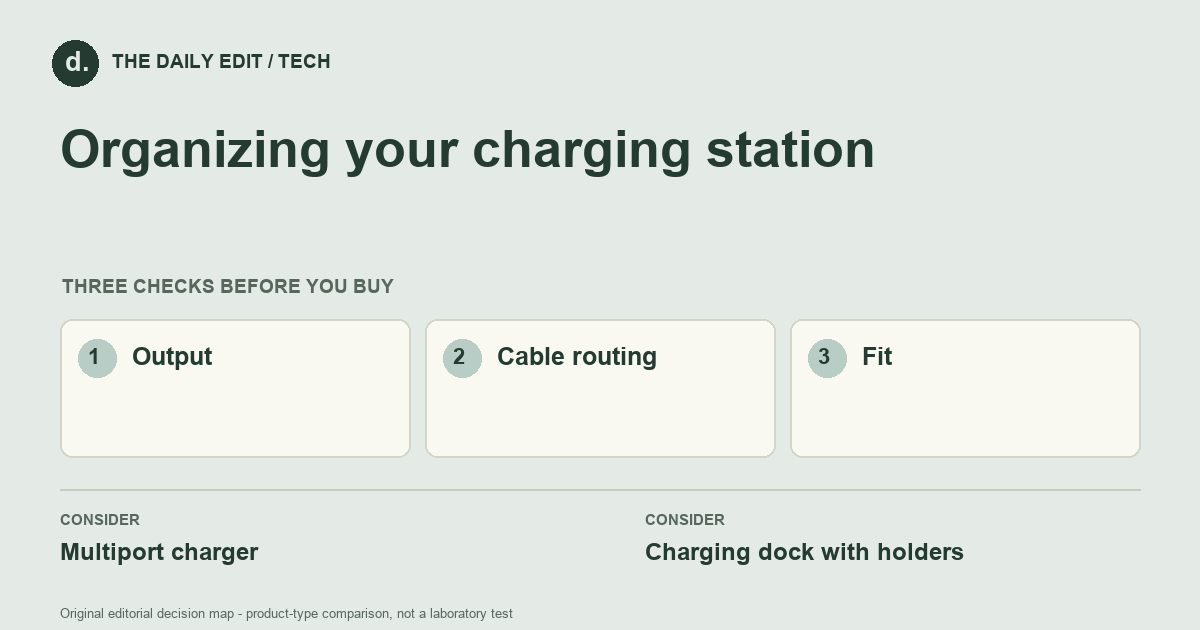
What to look for before you buy
Check individual and total output specifications, cable routing, and ventilation instructions.
1. Output
Compare per-port limits and the total output when several ports are used together.
2. Cable routing
Use cables long enough to connect without pulling and short enough to manage neatly.
3. Fit
Check holders, cases, contact alignment, and ventilation instructions for your devices.
Compare the main options
Nightstand phones versus a mixed desk
A nightstand may need simple access and a useful place to leave phones. A desk with a laptop and several accessories needs a per-port and combined-output check. Lay out the actual devices and cases so holders and connectors do not clash when everything is plugged in.
| Approach | Advantages | Trade-offs | Best suited to |
|---|---|---|---|
| Multiport charger | Combines several charging connections in one unit. | Devices may share its total power budget. | A compact desk or travel kit. |
| Charging dock with holders | Gives devices a defined place to sit. | Takes more surface area and can limit device or case fit. | A regular home charging spot. |
Comparison of product types, rather than tested model rankings. On small screens, scroll the table horizontally.
Where to spend — and where to simplify
Add the cost of appropriate cables and any separate power adapter when comparing stations. Pay for the simultaneous power arrangement your devices need before buying more sockets or holders. A neat-looking station can be poor value if it charges the laptop inadequately whenever a tablet is also connected.
Frequently asked questions
Can I mix phones, tablets, and laptops?
Only when the charger's supported outputs and protocols meet each device's needs; check shared-power behavior too.
Is wireless charging always simpler?
It removes a plug-in step, but alignment, case compatibility, charging speed, and the dock's own cable still matter.
How do I compare chargers with the same advertised total wattage?
Check the supported output of each port and the documented power allocation when your intended combination of ports is used together.
Cover photograph: soc nang d ng 2150345854 · Pexels License. Photo details. Illustrative photograph; not a tested product recommendation.
Sources and what they support
References checked 17 October 2026. Model-specific instructions remain specific to that model; a source link is not a product endorsement.
- Apple: using power adapters and cablesManufacturer documentation
Manufacturer safety directions for Apple adapters and cables; follow other devices' own manuals.
AI-assisted editorial analysis; no hands-on product testing has been conducted for these guides. Read our editorial approach. Verify current specifications, care instructions, compatibility, and return terms for the exact item before ordering.


