Monitor stands that fit your desk
Measure the desk and the screen's existing base.
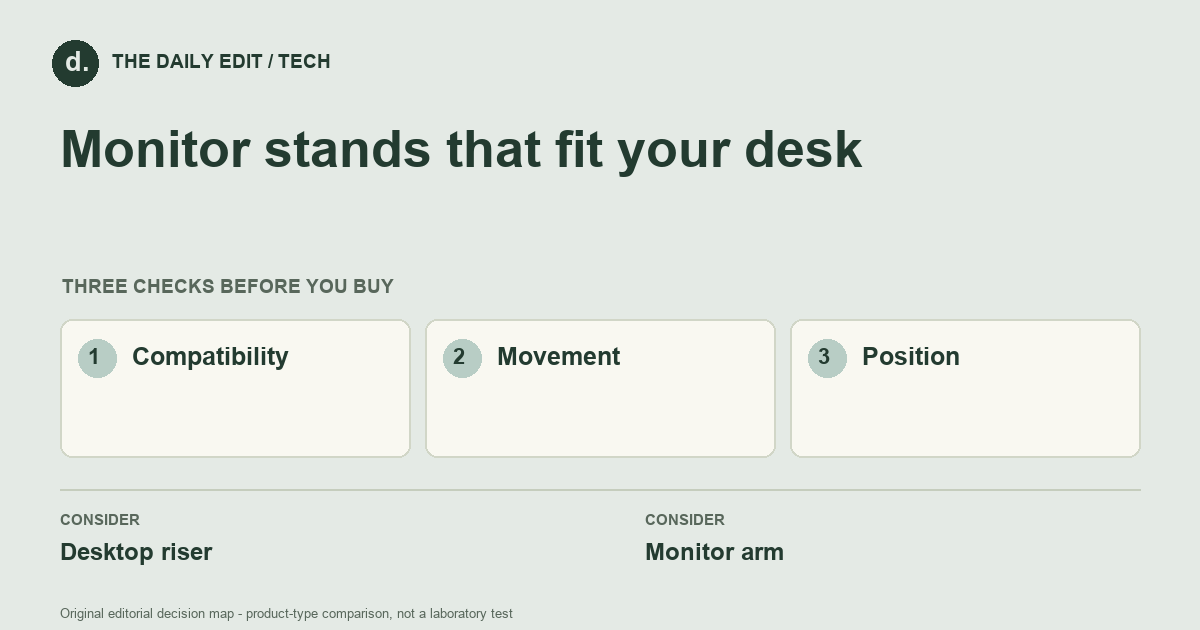
What to look for before you buy
Check load rating, height, stability, and room for cables behind the monitor.
1. Compatibility
Check monitor weight, mounting pattern, desk thickness, and any clamp restrictions.
2. Movement
Allow space behind and beside the desk for the full adjustment range.
3. Position
Set up a comfortable screen location before buying an accessory intended to change it.
Compare the main options
Desk against a wall versus an open workspace
A desk close to a wall may restrict the rear movement of an arm. An open setup may offer enough clearance but still needs a suitable mounting point. Draw the complete adjustment path and include cable slack before selecting the apparent reach of the arm.
| Approach | Advantages | Trade-offs | Best suited to |
|---|---|---|---|
| Desktop riser | Simple installation and extra storage beneath the screen. | Height and depth are usually less adjustable. | Fixed screen layouts. |
| Monitor arm | Offers flexible screen placement and can free surface area. | Requires compatible mounting and a suitable desk attachment. | Changing tasks or shared workstations. |
Comparison of product types, rather than tested model rankings. On small screens, scroll the table horizontally.
Where to spend — and where to simplify
Include approved adapters or hardware and any installation work in the price comparison. An arm that frees space can be worthwhile, but not if the desk or display is incompatible. A simple riser may be better value when the required position is fixed; pay for movement only when it solves a repeated setup problem.
Frequently asked questions
Can every monitor use an arm?
No. Confirm the mounting interface or an approved adapter as well as supported weight and size.
Does an arm eliminate cable clutter?
It can guide cables, but they still need enough slack for movement without tension on connectors.
Why can a correctly weight-rated arm still be unsuitable?
Mounting pattern, desk construction, clamp clearance, and screen geometry can each create incompatibility independently of the weight rating.
Cover photograph: lee campbell 18167 · Pexels License. Photo details. Illustrative photograph; not a tested product recommendation.
Sources and what they support
References checked 17 October 2026. Model-specific instructions remain specific to that model; a source link is not a product endorsement.
- OSHA: workstation monitorsGovernment guidance
Government guidance on monitor position and viewing ergonomics, not stand load certification.
AI-assisted editorial analysis; no hands-on product testing has been conducted for these guides. Read our editorial approach. Verify current specifications, care instructions, compatibility, and return terms for the exact item before ordering.


