Choosing an external drive
Estimate storage needs and how often you move files.
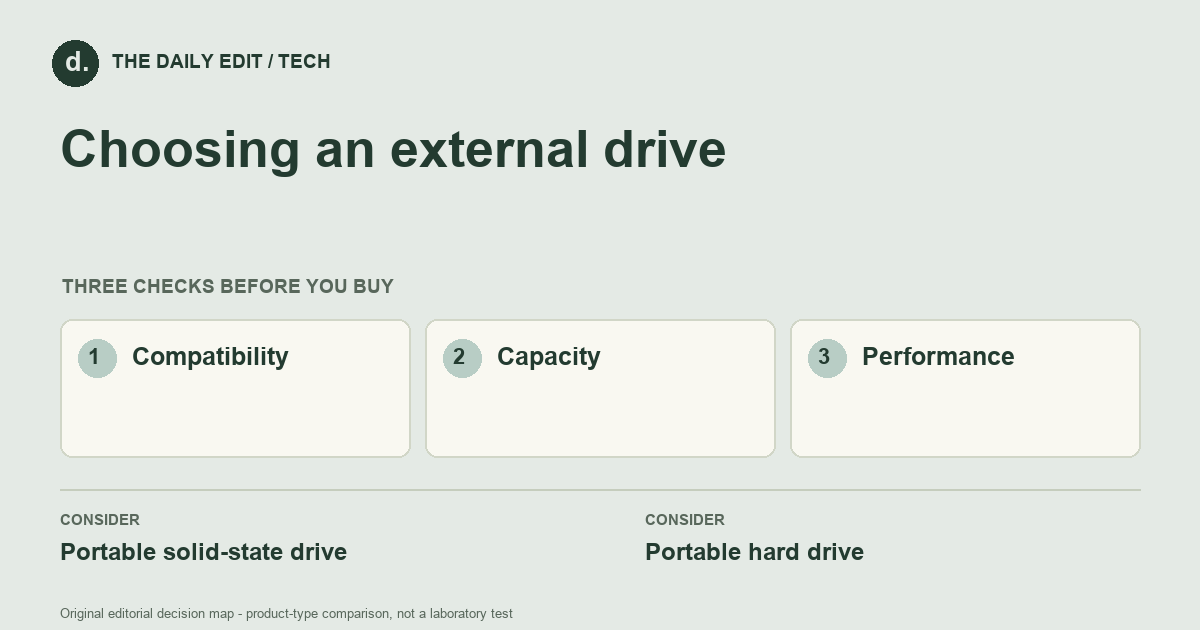
What to look for before you buy
Check device compatibility, cable connections, format requirements, and backup arrangements.
1. Compatibility
Check connector type, supported systems, power needs, and file-system setup.
2. Capacity
Allow room for growth without confusing a large drive with a backup strategy.
3. Performance
Compare the drive and host connection together; a fast drive cannot exceed the practical limits of the link.
Compare the main options
Travel working files versus an archive
Frequently moved working files may favor a compact solid-state drive and convenient connection. A less frequently accessed collection may prioritize capacity and a planned extra copy. Check your systems and file-format needs before assuming a preformatted drive supports every workflow unchanged.
| Approach | Advantages | Trade-offs | Best suited to |
|---|---|---|---|
| Portable solid-state drive | Compact and convenient for frequent file transfers. | Cost per capacity can differ from hard drives. | Travel and regularly moved working files. |
| Portable hard drive | Offers another way to store larger collections. | Mechanical construction needs careful handling and may feel slower in some tasks. | Bulk files where portability demands are modest. |
Comparison of product types, rather than tested model rankings. On small screens, scroll the table horizontally.
Where to spend — and where to simplify
Compare the complete transfer path before paying for maximum drive speed. Include a compatible cable and enough capacity for the intended files, but keep a separate backup plan. An inexpensive drive that holds the only copy is not a saving if the files are difficult to recover after loss or failure.
Frequently asked questions
Do I need to format a new drive?
It depends on its initial format and your systems. Formatting can erase data, so back up existing files first.
Is an external drive a backup?
Only when it holds an additional copy with a sensible recovery plan; moving the sole copy onto it is not a backup.
Should I buy one very large drive or two smaller ones?
Decide the backup arrangement first. Capacity choices should follow the number and location of independent copies you need, not replace that decision.
Cover photograph: arina krasnikova · Pexels License. Photo details. Illustrative photograph; not a tested product recommendation.
Sources and what they support
References checked 17 October 2026. Model-specific instructions remain specific to that model; a source link is not a product endorsement.
- DfE Cyber Security Hub: the 3-2-1 backup strategyGovernment guidance
UK government school cybersecurity guidance explaining backup separation; not a consumer drive performance test.
AI-assisted editorial analysis; no hands-on product testing has been conducted for these guides. Read our editorial approach. Verify current specifications, care instructions, compatibility, and return terms for the exact item before ordering.


