A webcam for everyday calls
Consider your room lighting and where the camera will sit.
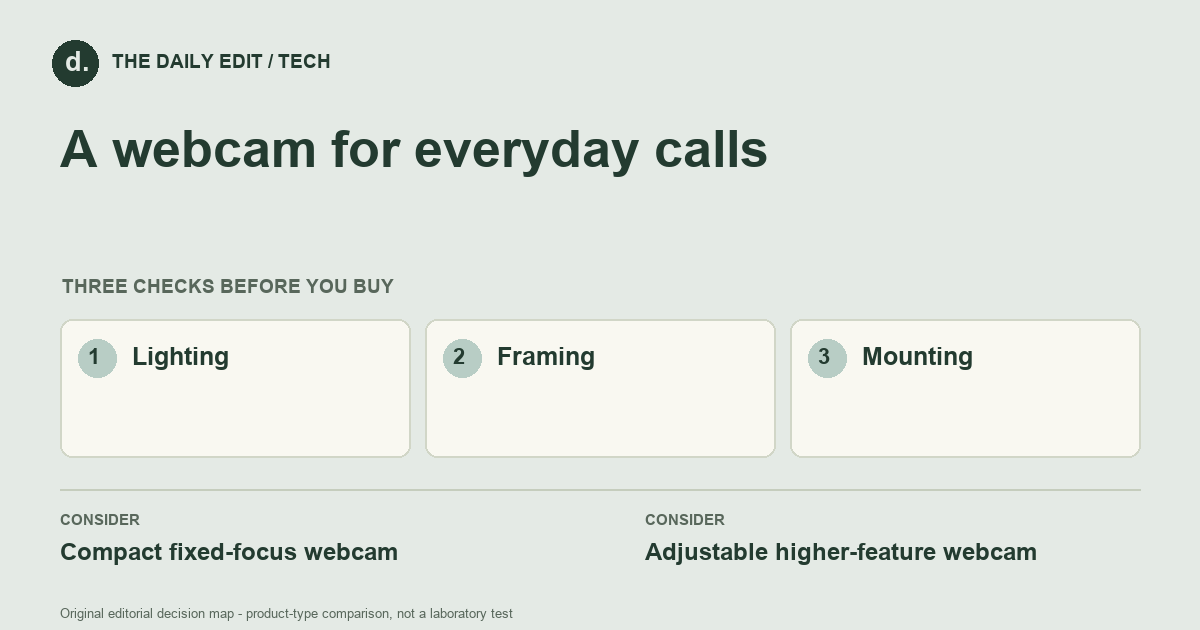
What to look for before you buy
Check operating-system support, field of view, mounting, and privacy controls.
1. Lighting
Assess the light on your face before paying for higher resolution; background light can dominate the picture.
2. Framing
Choose a field of view that includes what you need without showing unnecessary room space.
3. Mounting
Check how securely the camera sits on your actual screen or tripod.
Compare the main options
Fixed calls versus showing objects
A desk user who stays in one position may value a straightforward fixed view. Someone showing documents or objects needs focusing and mounting that support those changes. Test the full call software path, because the service and connection can limit the benefit of a higher camera specification.
| Approach | Advantages | Trade-offs | Best suited to |
|---|---|---|---|
| Compact fixed-focus webcam | Simple setup for a consistent desk position. | Less flexible when you move or show close objects. | Routine video calls. |
| Adjustable higher-feature webcam | Offers more framing and image controls. | May need software and better setup to justify the extras. | Mixed calls, demonstrations, and varied workspaces. |
Comparison of product types, rather than tested model rankings. On small screens, scroll the table horizontally.
Where to spend — and where to simplify
Improve a poor lighting or camera position before assuming a higher resolution model will solve the picture. Pay for a compatible mount and useful framing before effects that rely on extra software. Include a separate microphone only after trying the existing audio setup in the room where calls actually happen.
Frequently asked questions
Do I need a 4K webcam for calls?
Not necessarily. Calling software, bandwidth, lighting, and framing can limit the benefit.
Is the built-in microphone enough?
Test it in your room. Distance, echo, and background noise can matter more than the advertised camera resolution.
What can make an advertised resolution less useful?
Dim lighting, unsuitable framing, and limits in the calling software or connection can reduce the practical improvement.
Cover photograph: caleboquendo · Pexels License. Photo details. Illustrative photograph; not a tested product recommendation.
Sources and what they support
References checked 17 October 2026. Model-specific instructions remain specific to that model; a source link is not a product endorsement.
- Logitech: what to look for in webcamsManufacturer documentation
Manufacturer selection guide covering lighting, resolution and framing; not independent camera testing.
AI-assisted editorial analysis; no hands-on product testing has been conducted for these guides. Read our editorial approach. Verify current specifications, care instructions, compatibility, and return terms for the exact item before ordering.


