Choosing a comfortable mouse
Think about hand size, grip, and how far the pointer travels.
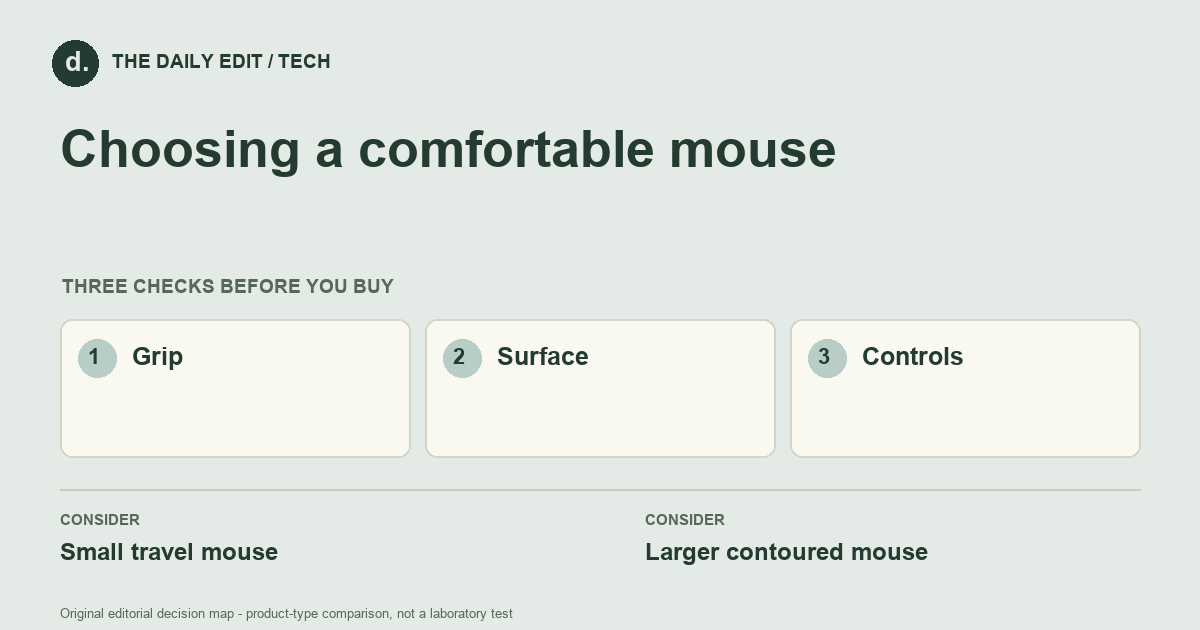
What to look for before you buy
Check shape, button placement, surface compatibility, and charging or battery needs.
1. Grip
Compare the shape with how you naturally hold a mouse, including finger reach.
2. Surface
Check whether the sensor works on the desk or travel surface you use.
3. Controls
Consider scroll behavior, button placement, and whether customization needs software.
Compare the main options
Shared travel kit versus all-day desk
A compact mouse can keep a travel kit light, but may not be the shape you prefer for hours of desk work. A larger contoured model needs a fit trial. Compare grip and pointer control on your actual surface before assuming an ergonomic label guarantees comfort.
| Approach | Advantages | Trade-offs | Best suited to |
|---|---|---|---|
| Small travel mouse | Easy to carry and use on a compact surface. | May offer less hand support over long sessions. | Short mobile work sessions. |
| Larger contoured mouse | Can provide a fuller grip and accessible controls. | Bulkier and may not fit every hand. | Regular desk use where the shape feels comfortable. |
Comparison of product types, rather than tested model rankings. On small screens, scroll the table horizontally.
Where to spend — and where to simplify
Spend on a shape and scroll behavior that work for your hand before unusually high sensor specifications. Include any receiver, travel case, or battery routine you need. Extra programmable buttons earn their cost only if the software works on your system and the controls remain comfortable to reach.
Frequently asked questions
Is a vertical mouse automatically more comfortable?
No. It changes the hand position and takes adjustment; try it rather than assuming the shape suits you.
Does wireless mean Bluetooth?
Not always. Some models need a USB receiver, which uses a port and needs a place to travel.
What should I verify about a receiver-based mouse?
Available USB ports, receiver storage, supported systems, and the process for replacing or pairing a receiver if it is lost.
Cover photograph: helenalopes · Pexels License. Photo details. Illustrative photograph; not a tested product recommendation.
Sources and what they support
References checked 17 October 2026. Model-specific instructions remain specific to that model; a source link is not a product endorsement.
- OSHA: workstation pointer and mouseGovernment guidance
Government ergonomic guidance covering hand fit, mouse placement and sensitivity.
AI-assisted editorial analysis; no hands-on product testing has been conducted for these guides. Read our editorial approach. Verify current specifications, care instructions, compatibility, and return terms for the exact item before ordering.


