A laptop sleeve for daily travel
Measure the laptop rather than relying only on its advertised screen size.
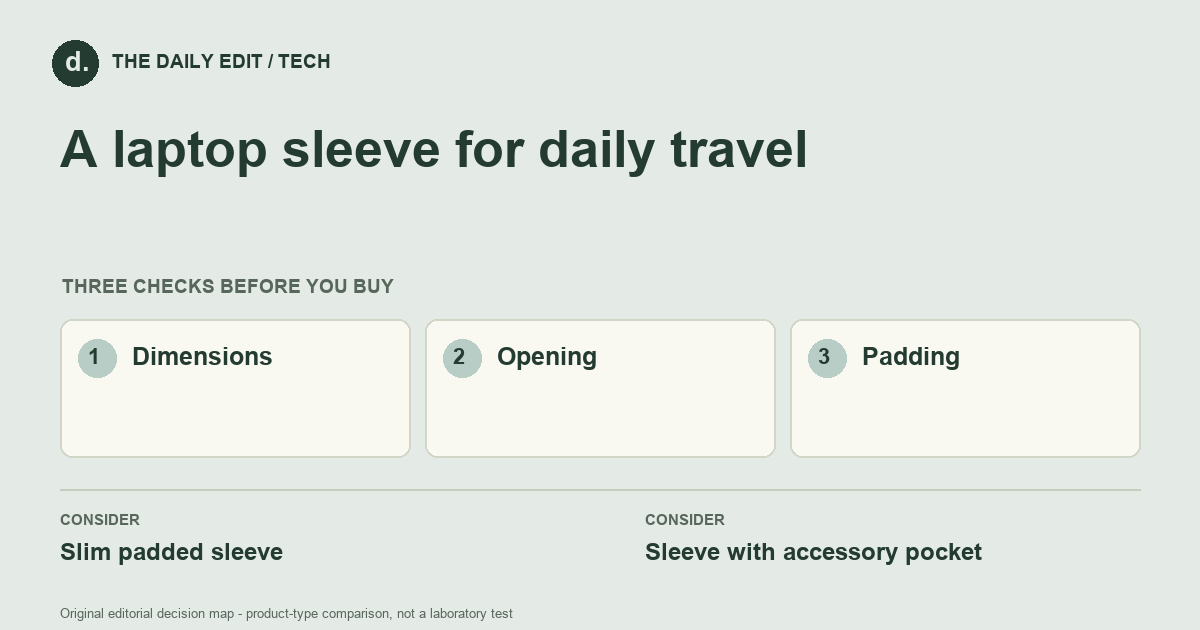
What to look for before you buy
Check internal dimensions, opening width, seam finish, and room for any case already fitted.
1. Dimensions
Compare internal measurements with the actual laptop including any fitted shell.
2. Opening
Check zipper clearance around corners and whether the device slides in without force.
3. Padding
Inspect edges and closure coverage rather than assuming all padded sleeves protect equally.
Compare the main options
Inside another bag versus carried alone
Inside a structured bag, a slim sleeve may be convenient. Carried by itself, closure security and grip become more important. Check whether a charger in an outer pocket creates pressure against the device instead of counting the pocket as automatically useful capacity.
| Approach | Advantages | Trade-offs | Best suited to |
|---|---|---|---|
| Slim padded sleeve | Adds a protective layer with little bulk. | Leaves less space for chargers and other accessories. | A laptop already carried inside another bag. |
| Sleeve with accessory pocket | Keeps a small travel kit together. | Can become bulky and put uneven pressure on contents. | People carrying the sleeve on its own. |
Comparison of product types, rather than tested model rankings. On small screens, scroll the table horizontally.
Where to spend — and where to simplify
Spend on verified internal fit and appropriate padding before decorative pockets. A sleeve used inside a backpack may not need handles or extra storage, while one carried alone may. Include any fitted laptop case in your measurements; buying a larger sleeve later because of a preventable mismatch adds cost without more useful protection.
Frequently asked questions
Can one sleeve fit two laptops of the same screen size?
Not necessarily. Width, depth, thickness, and corner shape determine the fit.
Will a sleeve protect against drops?
Do not assume so. It may reduce rubbing and minor knocks, but use only the protection claims the maker actually supports.
Should the sleeve be a very tight fit?
It should accommodate the device without force, including its corners and any attached case; excess pressure on the zip is not evidence of better protection.
Cover photograph: mohammad yasir 3365802 · Pexels License. Photo details. Illustrative photograph; not a tested product recommendation.
Sources and what they support
References checked 17 October 2026. Model-specific instructions remain specific to that model; a source link is not a product endorsement.
- tomtoc Light-A18 laptop sleeveManufacturer documentation
Manufacturer-specific internal dimensions and compatible-device information; not independent impact testing.
AI-assisted editorial analysis; no hands-on product testing has been conducted for these guides. Read our editorial approach. Verify current specifications, care instructions, compatibility, and return terms for the exact item before ordering.


