Charging cables that fit the job
Identify both connectors and the function the cable needs to support.
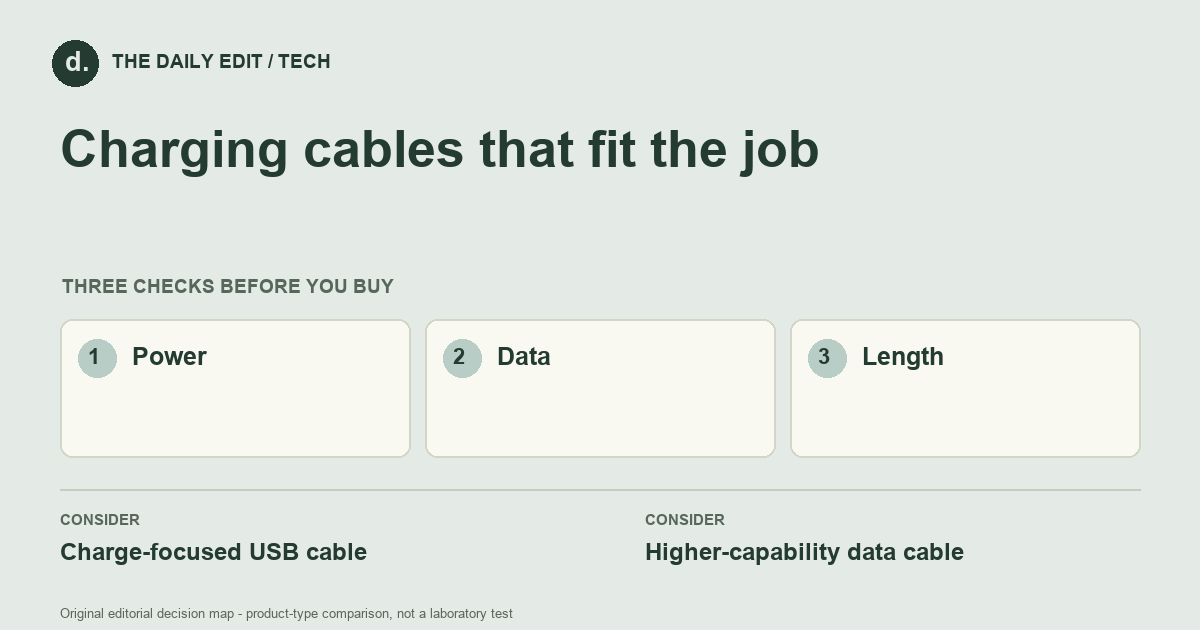
What to look for before you buy
Read power, data, and display specifications separately; inspect connector fit and cable length.
1. Power
Match the cable’s rated power with the adapter and device requirements.
2. Data
Check the stated data rate independently from connector type or charging power.
3. Length
Choose enough reach without placing tension on the connector or leaving unnecessary loops.
Compare the main options
Bedside charging versus a display-connected laptop
A bedside cable mainly needs suitable charging support and usable reach. A laptop display connection needs the correct capabilities across the host, cable, and screen. Similar plugs do not establish equivalent function, so compare the stated task support rather than the connector shape alone.
| Approach | Advantages | Trade-offs | Best suited to |
|---|---|---|---|
| Charge-focused USB cable | Can cover simple charging needs with straightforward specifications. | May offer only basic data capability and no display support. | Charging compatible everyday devices. |
| Higher-capability data cable | Can support faster transfer or display functions when explicitly specified. | May be thicker and more expensive than the charging task needs. | Data-heavy or display-connected setups. |
Comparison of product types, rather than tested model rankings. On small screens, scroll the table horizontally.
Where to spend — and where to simplify
Pay for the specific combination of power, data, and display support you need. A charging-only job may not require an expensive high-speed cable; a storage or display task may. Include the right length without unnecessary adapters, and check whether the cable already supplied with another device covers the same requirement.
Frequently asked questions
Does a high-power cable also carry video?
Not necessarily. Power, data, and display support are separate specifications that need checking.
Why does a cable charge slowly?
The device, adapter, cable rating, port configuration, and charging conditions can all limit the result.
Can one premium cable replace every cable I own?
Only when its capabilities, length, connectors, and intended use suit each task; a high rating in one category does not guarantee every other function.
Cover photograph: markus winkler 1430818 · Pexels License. Photo details. Illustrative photograph; not a tested product recommendation.
Sources and what they support
References checked 17 October 2026. Model-specific instructions remain specific to that model; a source link is not a product endorsement.
- USB-IF: cables and connectorsStandards body
USB standards body’s certification and cable power-logo guidance; a certified cable does not add capabilities to connected devices.
AI-assisted editorial analysis; no hands-on product testing has been conducted for these guides. Read our editorial approach. Verify current specifications, care instructions, compatibility, and return terms for the exact item before ordering.


