Desk essentials: A brighter kind of workday.
Measure the desk and make room for the tasks you do every day.
What to look for before you buy
Look for adjustable lighting and a screen position that feels comfortable.
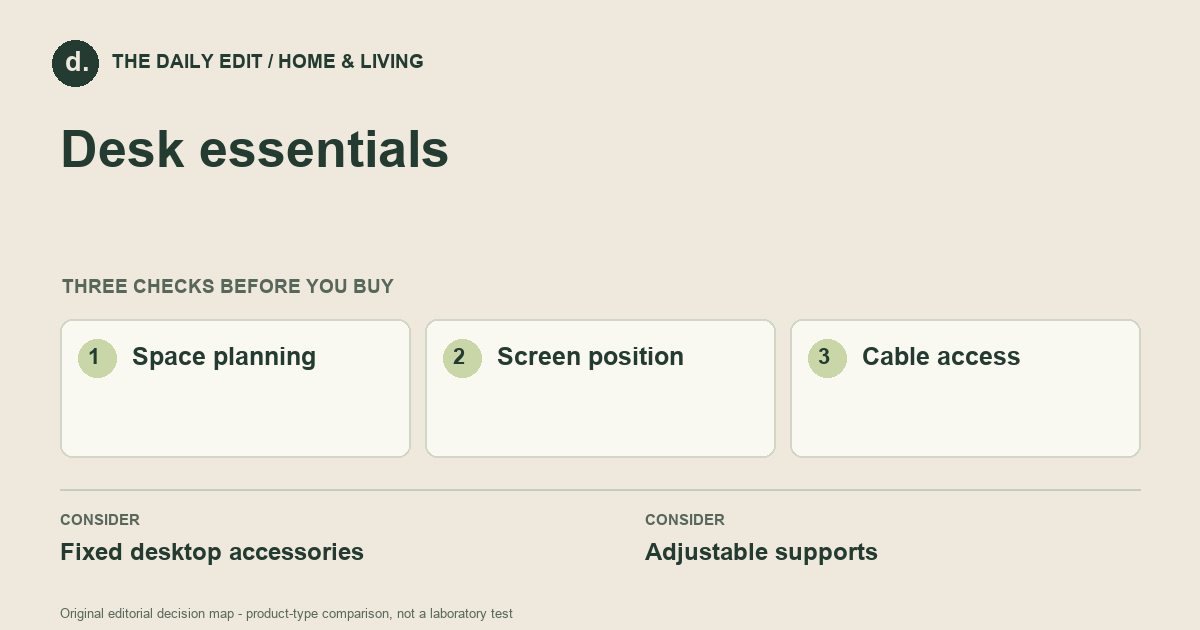
1. Space planning
Measure usable depth after allowing for a keyboard, screen, and a clear writing area.
2. Screen position
Check how the screen sits relative to your normal chair position; avoid choosing a riser that forces an awkward viewing angle.
3. Cable access
Leave enough cable length for adjustments without pulling connectors or trapping wires.
Compare the main options
Shared desk versus fixed workstation
At a shared desk, adjustment range and clear controls matter because positions change. A fixed workstation may need only one stable screen height and a well-placed lamp. Draw the working area, including a notebook and mouse movement, before choosing a new support.
| Approach | Advantages | Trade-offs | Best suited to |
|---|---|---|---|
| Fixed desktop accessories | Easy to arrange with little installation. | Limited ability to change height or reach. | A stable desk used for similar tasks each day. |
| Adjustable supports | Let you reposition screens and lights as tasks change. | Need compatible fixtures, clearance, and occasional adjustment. | Shared desks and changing work routines. |
Comparison of product types, rather than tested model rankings. On small screens, scroll the table horizontally.
Where to spend — and where to simplify
Spend first on the obstruction you encounter every day. If the monitor base crowds your keyboard, a compatible arm may help; if glare is the problem, another riser may do little. Keep a small upgrade sequence so that the first purchase informs the next, rather than buying several accessories that compete for the same space.
Frequently asked questions
Does a small desk need a monitor arm?
Not necessarily. An arm frees surface space only when the mount, desk structure, and movement clearance are suitable.
What should I upgrade first?
Identify a repeated problem such as glare, insufficient task light, or a crowded work area. Choose the single change that directly addresses it.
How do I prevent accessories from crowding the desk?
Reserve space for the tasks first, then check accessory footprints and the full movement of arms, drawers, and cables.
Cover photograph: Pexels contributor · Pexels License. Photo details. Illustrative photograph; not a tested product recommendation.
Sources and what they support
References checked 17 October 2026. Model-specific instructions remain specific to that model; a source link is not a product endorsement.
- OSHA: Workstation Components — DesksGovernment guidance
Government workstation layout guidance, not product certification.
AI-assisted editorial analysis; no hands-on product testing has been conducted for these guides. Read our editorial approach. Verify current specifications, care instructions, compatibility, and return terms for the exact item before ordering.


